Flufs
About Flufs
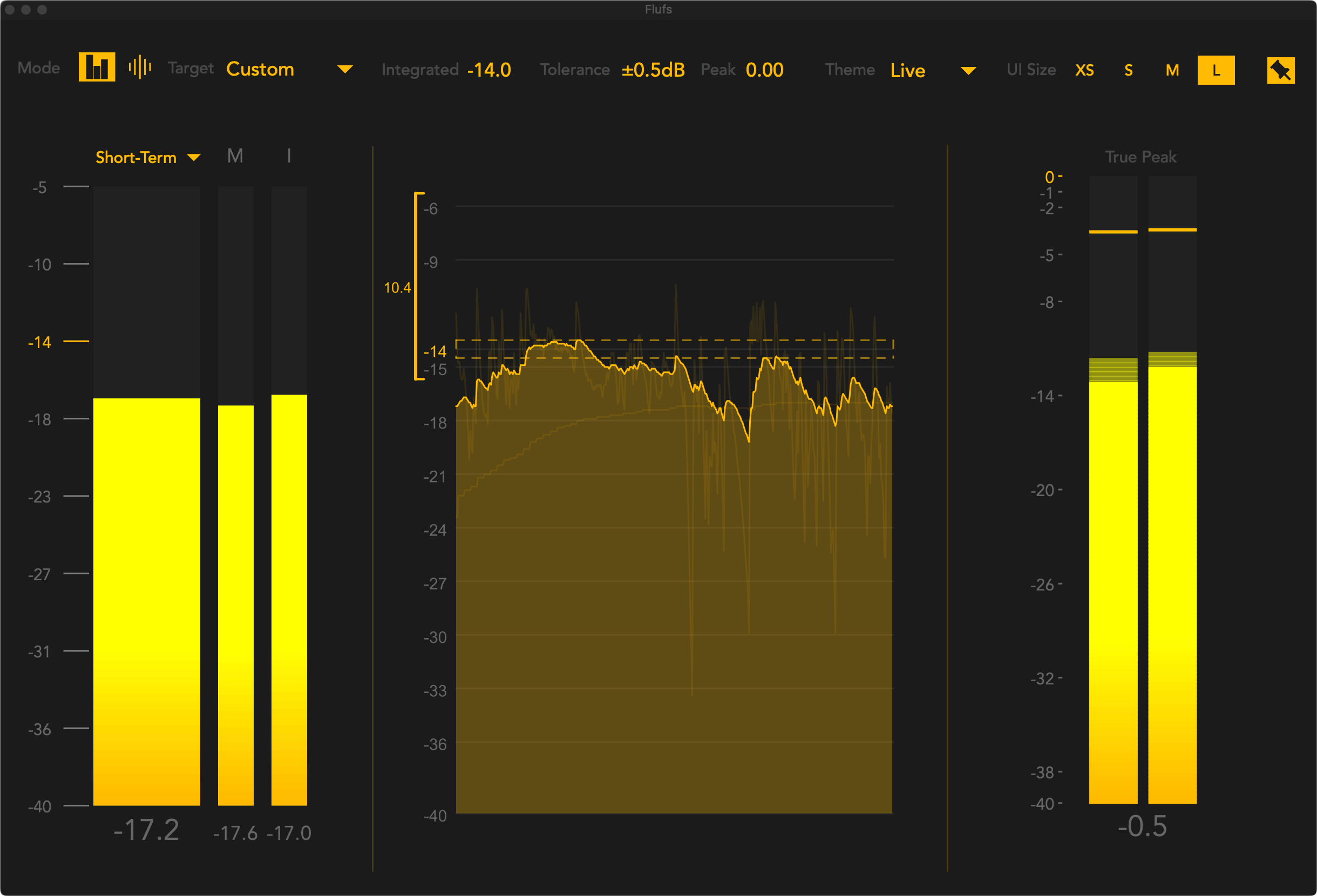
Flufs is a state-of-the-art Max for Live loudness meter, designed for both real-time and offline analysis. It’s fully accessible to blind, visually impaired, and sighted users.
Analysis and export
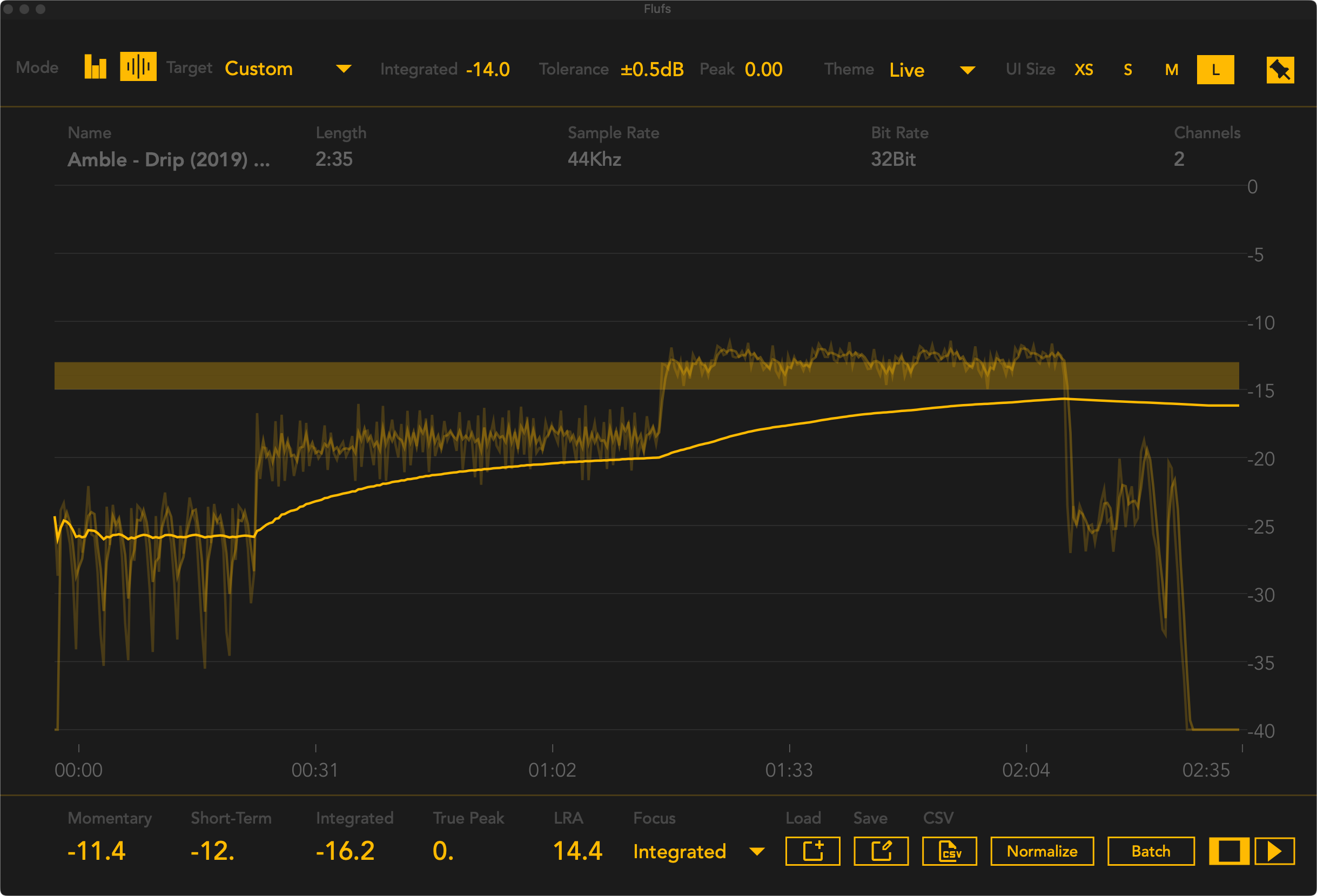
Flufs can analyze multi-channel audio files, normalize to a loudness target, and, if you're into data science like me, export loudness data to a CSV file, either in single or batch mode. It analyzes a 5-minute audio file in just 1–2 seconds.
Light on the CPU
Flufs is very light on the CPU, to the extent that you won’t even notice it on modern computers. It features a resizable floating window, 11 color themes (including options for color blindness), and 19 industry loudness target presets.
Screen readers and braille
It integrates seamlessly with popular screen readers like VoiceOver and NVDA, making it compatible with braille displays and other assistive technology. Every feature is accessible via keyboard shortcuts or tabbing.
Scope for Flufs
Version 1.1 introduces an accessible phase scope. It features selective frequency bands, zoom, and both linear and logarithmic modes, taking my Kaizen vision of Flufs as a complete accessible metering ecosystem one step further.
I’d like to thank Tim Burgess for his invaluable help, advice, and testing, helping me understand how to do accessibility right.
Videos
Download
System Requirements
- Ableton Live 11 or higher
- Max for Live
- mac os 11 (Big Sur) or higher
- windows 11 or higher
Terms
By downloading this software, you agree to my Terms & Conditions.